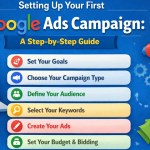
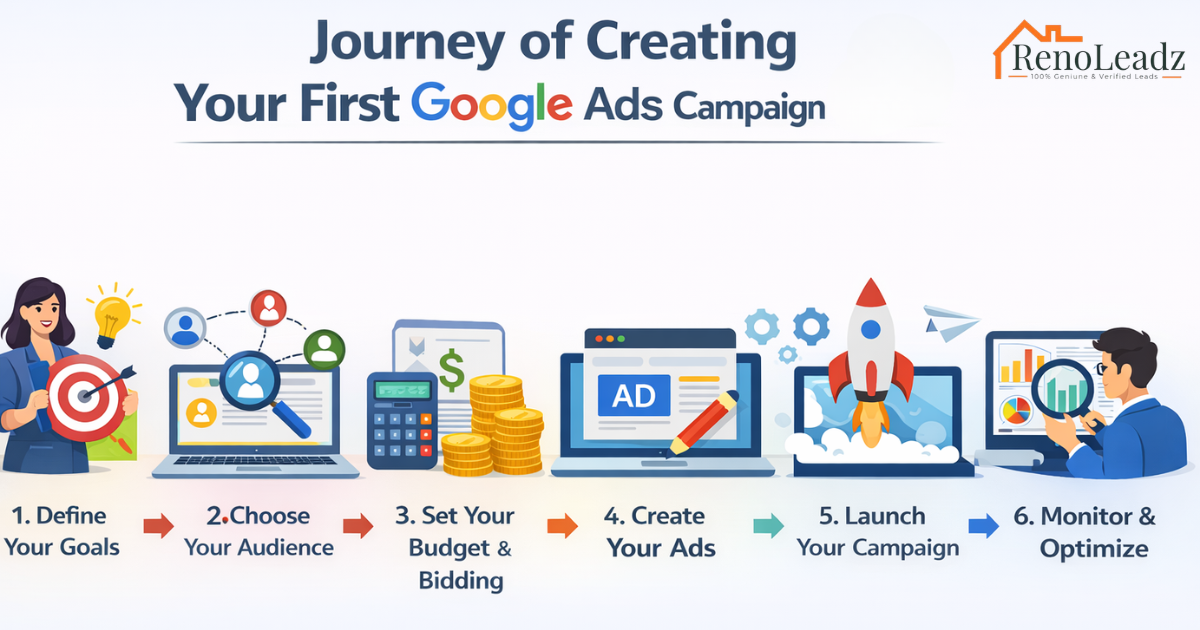

Creating a Google Ads campaign can seem daunting at first, but with a step-by-step approach, even beginners can successfully launch their first campaign to reach their target audience and achieve business goals.
1. Create a Google Ads Account
The journey begins by creating a Google Ads account:
- Visit the Google Ads website (ads.google.com) and click on “Start Now” or “Sign in” with your Google account.
- Follow the prompts to set up your account, providing details such as your email address, business information, and billing preferences.
2. Understanding Google Ads Basics
Before diving into campaign creation, it’s essential to understand the basic concepts of Google Ads:
- Campaigns: Organized sets of ad groups (each containing ads and keywords) that share a budget, location targeting, and other settings.
- Ad Groups: Groups of ads and keywords centered around a shared theme or product/service.
- Keywords: Words or phrases that help determine when and where your ad can appear.
3. Setting Up Your First Campaign
Now, let’s create your first Google Ads campaign:
- Click on the “+ Campaigns” button in your Google Ads account dashboard.
- Choose a campaign goal based on your business objectives (e.g., Sales, Leads, Website Traffic).
- Select a campaign type (Search Network, Display Network, Video, Shopping) that aligns with your advertising goals.
4. Setting Campaign Goals and Budget
- Name your campaign and set a daily budget, which is the maximum amount you’re willing to spend per day.
- Define the bidding strategy (automatic or manual) that determines how you pay for users’ interactions with your ads.
5. Selecting Networks and Locations
- Choose where you want your ads to appear:
- Search Network: Ads appear next to search results on Google Search and other Google sites.
- Display Network: Ads appear on websites and apps that partner with Google.
- Specify the geographic locations (countries, regions, cities) where you want your ads to be shown to reach your target audience.
6. Choosing Keywords and Targeting
- Use Google’s Keyword Planner tool to research and select relevant keywords that potential customers might use when searching for your products or services.
- Define your audience targeting options, such as demographics (age, gender), interests, and behaviors, to ensure your ads reach the right people.
7. Creating Ad Groups and Ads
- Organize your campaign by creating ad groups based on themes or product/service categories.
- Write compelling ad copy that includes a headline, description, and URL to attract clicks and drive traffic to your website.
8. Setting Up Conversion Tracking
- Implement conversion tracking to measure the effectiveness of your ads in driving valuable actions, such as purchases or sign-ups.
- Generate a conversion tracking code in Google Ads and add it to your website’s thank-you or confirmation pages to track conversions accurately.
9. Review and Launch Your Campaign
- Double-check all campaign settings, ad groups, keywords, and ad copy for accuracy and relevance.
- Preview your ads to see how they will appear to users before launching your campaign to ensure everything looks as expected.
10. Monitoring and Optimizing Your Campaign
- Once your campaign is live, monitor its performance using Google Ads’ reporting tools.
- Analyze key metrics like Click-Through Rate (CTR), Conversion Rate, and Cost-Per-Conversion (CPC) to identify areas for improvement.
- Continuously optimize your campaign by adjusting bids, refining keywords, and testing new ad variations to maximize your return on investment (ROI).
Conclusion
Creating your first Google Ads campaign is a learning process that involves understanding your audience, crafting compelling ads, and optimizing for performance. By following these steps and leveraging Google Ads’ powerful tools, even beginners can create effective advertising campaigns that drive traffic, generate leads, and grow their business online.
Ready to launch your Google Ads campaign? Start your journey today and unlock the potential of digital advertising to reach your business goals.